
Hisense TV Screen Mirroring
Mirror your phone to Hisense Smart TV for seamless screen sharing and casting
- Rating
- 3.3 ★
- Reviews
- 170
- Installs
- 50K+
About this app
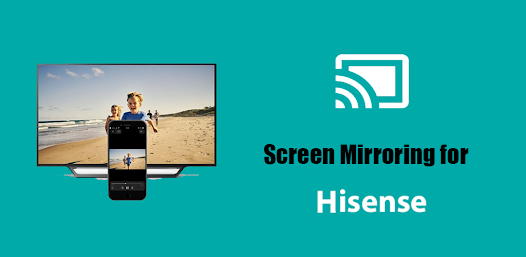
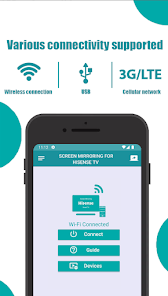
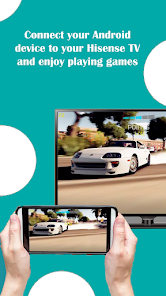
Hisense TV Screen Mirroring connects an Android phone to a Hisense Smart TV for wireless screen casting. The listing describes casting videos, images, audio, live content, and web or local files. Setup requires the Hisense TV and phone on the same Wi-Fi network, Miracast Display on the TV, Wireless Display on the phone, then Connect. The listing also states compatibility with other TV brands that support web browsers, including Samsung, LG, Panasonic, Philips, Hitachi, Vizio, and TCL.
Key features
-
Wireless screen mirroring
Connect a phone to a Hisense TV without wires as described on the listing.
-
Cast media to the TV
Videos, images, audio, live content, and web or local files.
-
Wi-Fi Miracast setup
Connect when Hisense TV and phone are on the same Wi-Fi with Miracast Display and Wireless Display enabled.
Screenshots

Technical details
- Platforms
- Android
- Category
- Tools
Listing focuses on Hisense Smart TVs and also states compatibility with other TV brands that support web browsers, including Samsung, LG, Panasonic, Philips, Hitachi, Vizio, and TCL. Phone and TV must be on the same Wi-Fi network.