
LG TV Universal Remote Control
LG TV Universal Remote Control — Easily Control All LG TVs via WiFi or IR
- Installs
- 5K+
About this app
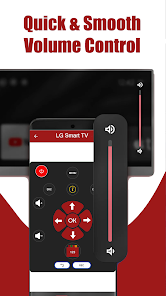
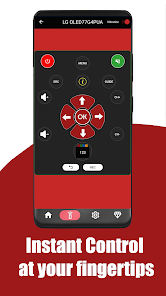
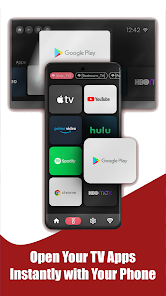
LG TV Remote Control turns an Android phone into a remote for LG Smart TVs, webOS, ThinQ, and traditional LG TVs. The listing describes Wi-Fi control on the same network, IR blaster mode for older TVs without Wi-Fi, essential remote keys, navigation and media controls, auto detection on Wi-Fi, and multi-TV support. Screen cast, LG keyboard, and touchpad are listed as upcoming features.
Key features
-
Smart control for LG TVs
Works with LG Smart TVs, webOS, ThinQ, and Chromecast-enabled models.
-
IR blaster mode
Control traditional LG TVs without Wi-Fi when the phone has an IR blaster.
-
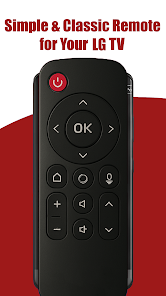
Essential remote keys
Power, volume, channels, mute, numbers, and source.
-
Navigation and media controls
Home, Back, Menu, Settings, OK, plus play, pause, forward, and rewind.
-
Auto detection on Wi-Fi
Finds LG TVs on the same Wi-Fi network as described on the listing.
-
Multi-TV support
Control multiple LG TVs from one device.
Screenshots
Technical details
- Platforms
- Android
- Category
- Tools
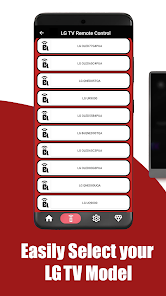
Listing states compatibility with LG Smart TVs (webOS, ThinQ, Android TV, Chromecast), including LG OLED, QNED, NanoCell, UHD, and 4K models (examples: OLED65C4PUA, QNED85TQA, UR9000, UQ9000, OLED55B4PUA, and more). IR mode requires a phone with an IR blaster; Wi-Fi mode requires phone and TV on the same network.
Disclaimer
This app is not affiliated with LG Electronics. It is an independent tool designed to enhance LG TV user convenience.