
Remote Control for Philips TV
Control Philips TV with your phone using IR. Fast, simple, always ready!
- Installs
- 10K+
About this app
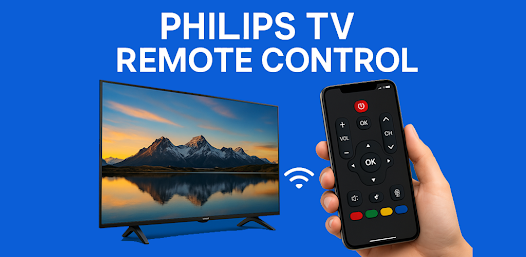
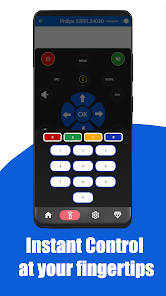
Philips TV Remote & Cast turns an Android phone into a Philips TV remote and casting tool. The listing describes IR remote control (power, volume, channels, mute), screen mirroring and casting of photos, videos, and apps, full navigation controls, multi-language support, and compatibility with Philips LCD, LED, Ambilight, OLED, and Android Smart TVs. IR remote mode requires a phone with an IR blaster; casting requires phone and TV on the same Wi-Fi.
Key features
-
Remote control for Philips TV
Power on/off, volume, channels, and mute as described on the listing.
-
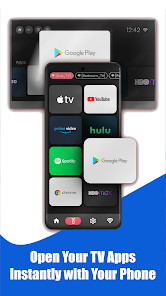
Screen mirroring and casting
Share the phone screen and stream photos, videos, and apps to the TV.
-
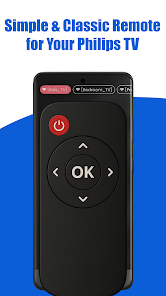
Full navigation controls
Home, Input, Media, and Menu buttons.
-
IR blaster support
Works with an IR blaster — no Wi-Fi required for remote control.
-
Ambilight and Android TV models
Listing states support for Philips Ambilight TV and Android TV models.
-
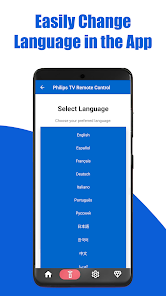
Multi-language support
Language selection is available in the app.
Screenshots
Technical details
- Platforms
- Android
- Category
- Tools
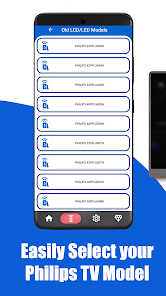
Listing states support for Philips LCD, LED, Ambilight, OLED, and Android Smart TVs (examples include 32PFL3403D, 42PFL6007H, 55PFL6008K, 47PFL9706K, 43PUS7303, 55OLED807, 65OLED908, and more). IR remote requires a phone IR blaster; casting requires the same Wi-Fi network.
Disclaimer
This is not the official Philips app. It is an independent tool that uses IR codes and casting technology to control Philips TVs.