
Remote for Hisense TV
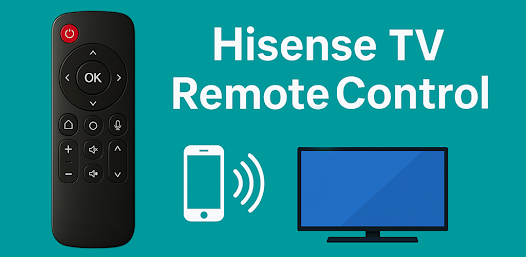
Control any Hisense TV via IR and WiFi. Works with Roku and Android models.
- Installs
- 10K+
About this app
Hisense TV Remote turns an Android phone into a remote and screen mirroring tool for Hisense TVs. The listing describes IR control without Wi-Fi (IR blaster required), smart Wi-Fi remote for Hisense Android TV and Roku TV, screen mirroring via Hisense Smart View / cast / wireless display, full remote functions, navigation pad and color keys, multiple layouts, built-in keyboard and touchpad, and multi-language support.
Key features
-
IR control
Works without Wi-Fi when the phone has an IR blaster.
-
Smart Wi-Fi remote
Control Hisense Android TV and Hisense Roku TV with pairing on the same network.
-
Screen mirroring
Cast the phone screen to Hisense TV via Smart View, Cast to TV, or Wireless Display as described on the listing.
-
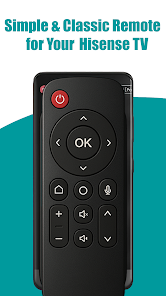
Full remote functions
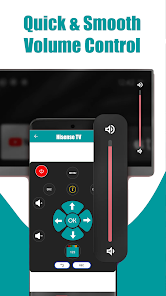
Power, volume, channels, mute, and inputs.
-
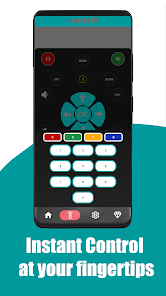
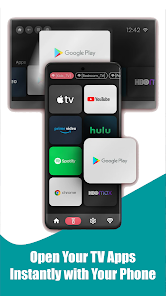
Navigation pad and color keys
Access menus, apps, and settings.
-
Keyboard and touchpad
Built-in keyboard and touchpad for Smart TVs.
-
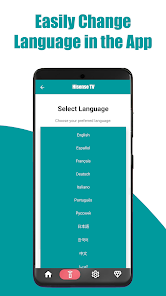
Multi-language support
English, Français, Español, Português, Deutsch, Русский, and more as shown in the app.
Screenshots
Technical details
- Platforms
- Android
- Category
- Tools
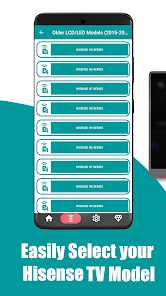
Listing states compatibility with Hisense Smart TV (Android TV, Roku TV, Vidaa, XClass), UHD, LED, LCD, 4K, OLED, Mini-LED, and Laser TV, including series such as H5–H9, U6G–U9H, A6G–A75G, L9G, and more. IR mode requires a phone IR blaster; Wi-Fi remote and screen mirroring require the same Wi-Fi network.
Disclaimer
This app is not an official Hisense product. It is a third-party Hisense remote control and screen mirroring app developed for convenience and compatibility.